Description
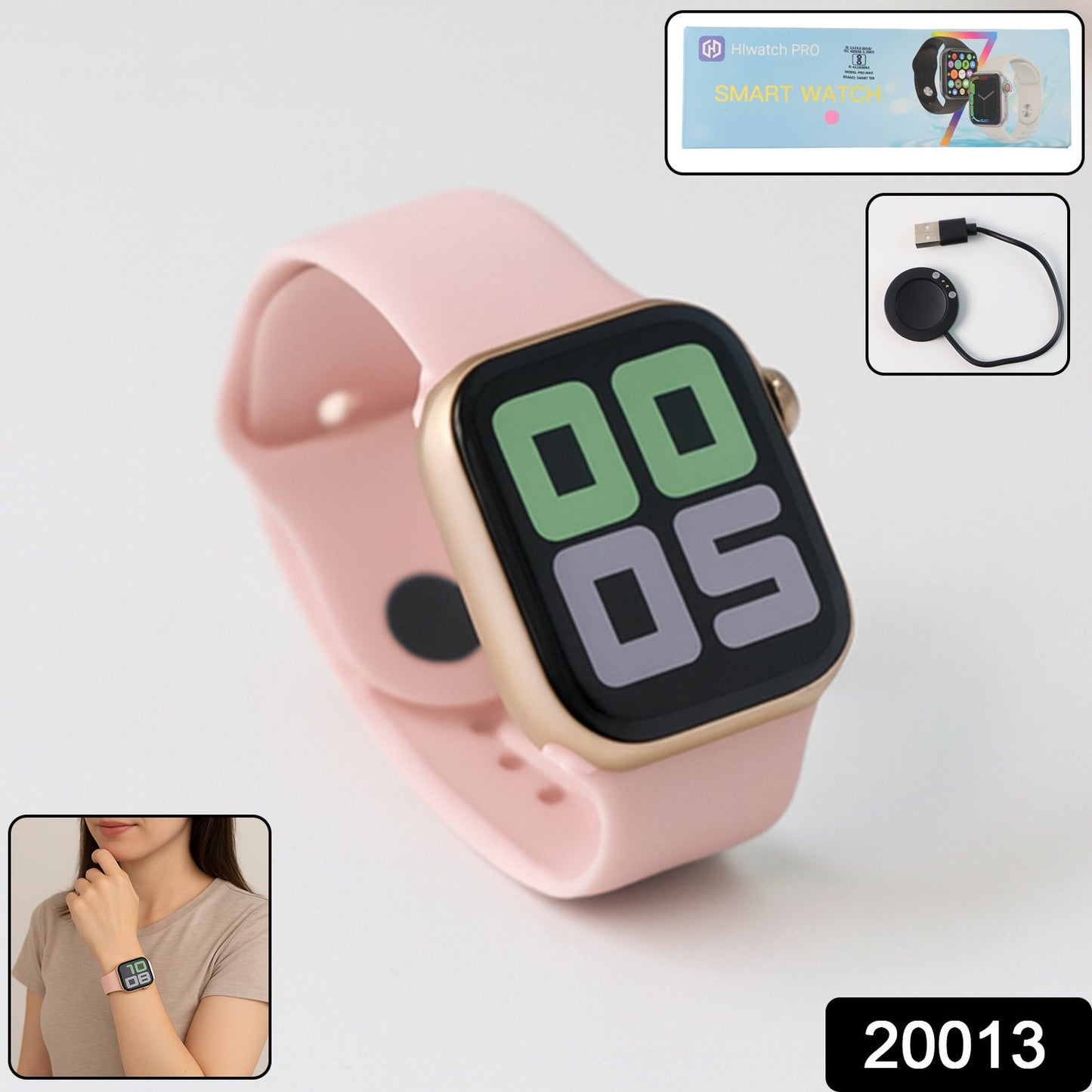
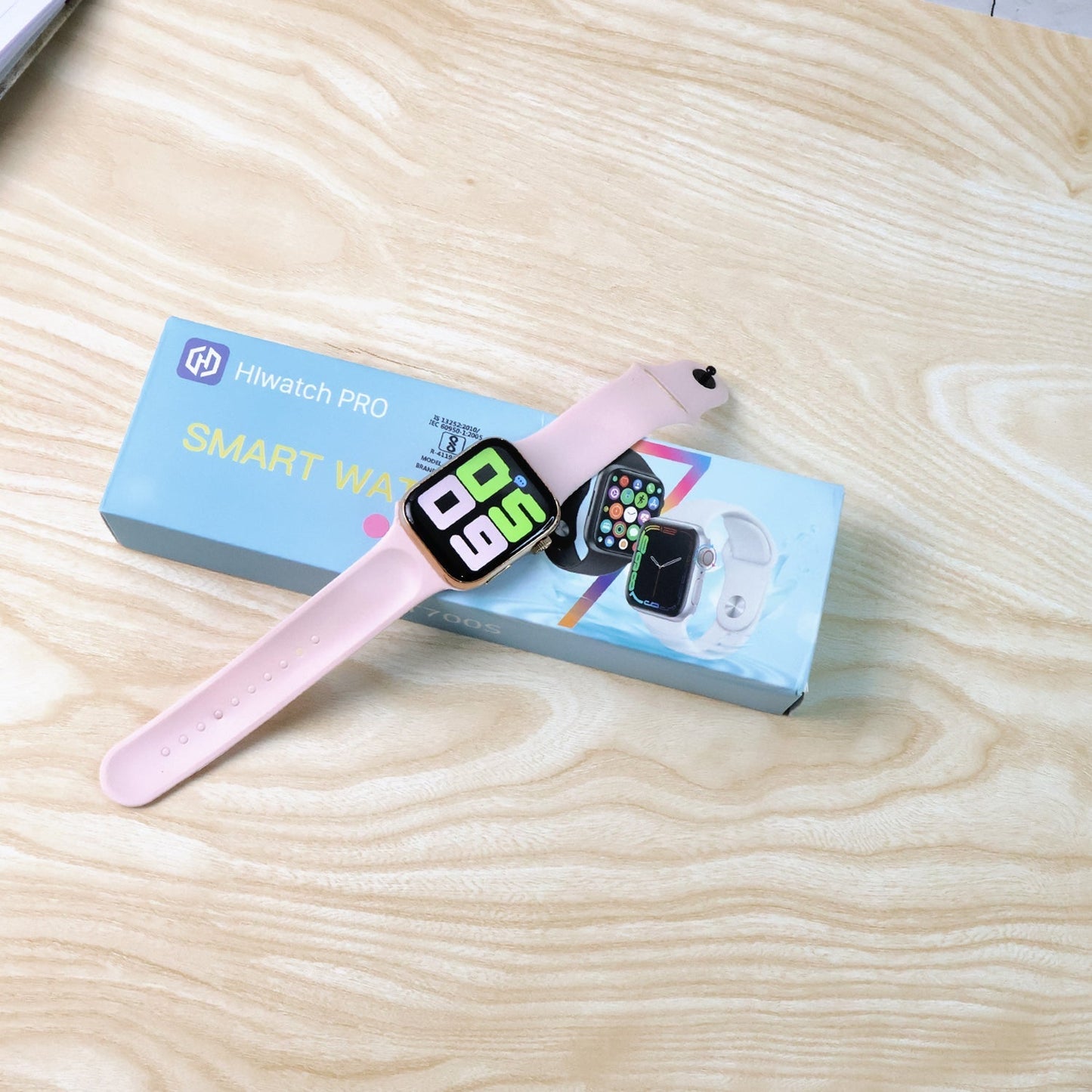
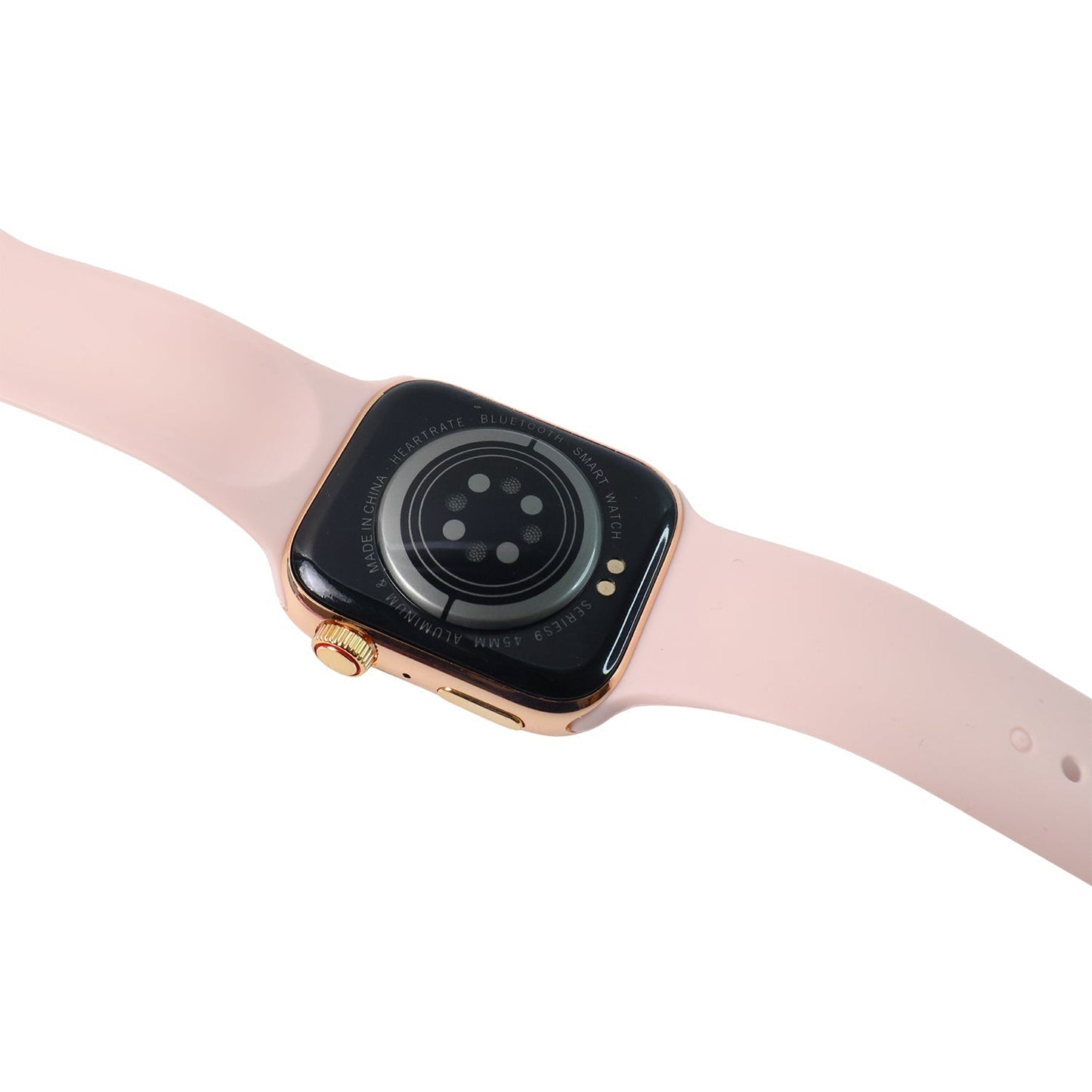
T700S Large Display Wireless Charging Smartwatch Wireless Fast Charging Tracker for Health, Fitness, Running, Sleep Cycles (1 Pc)
Description :-
- LONG BATTERY LIFE AND WATERPROOF DESIGN: Fitness watch can be used Long of charging. It can withstand daily sweating, so you can fully enjoy your workout.
- MULTIFUNCTIONAL AND HIGH COMPATIBILITY: With a variety of smart functions such as stopwatch, alarm clock, breathing guidance, sedentary reminder, etc, it adds convenience to daily life. The watch is compatible with cell phones running.Â
- SMART NOTIFICATION ALERT: You can receive SMS and SNS notifications, including for Gmail and more directly on your wrist. You won't miss any important and messages and stay up to date. But this watch can't make calls or send text messages.
- SLEEP MONITORING: Fitness watch supervises your sleep at night and analyses in detail the quality of your sleep. It is a health advisor for women and men in daily life, and it is easy and convenient to operate through the touchscreen.
- ACTIVITY TRACKING FUNCTION: Fitness watch has multiple exercise modes, such as running, walking and so on. It also records daily steps, calories burned, distance walked, and activity time throughout the day. You can track your progress by setting a daily step goal through the app.
- Usage - Fitness & Outdoor, Health & Medical, Watch phone, Safety & Security.
Step-by-Step Guide to Connect T700SÂ Smartwatch to Smartphone
Step 1: Charge the Smartwatch
Before connecting, ensure your T700S smartwatch is fully charged using the wireless charger provided in the box.
Step 2: Power On the Smartwatch
-
Press and hold the power button for 3–5 seconds.
-
Wait until the smartwatch screen turns on and boots up completely.
Step 3: Download the Companion App
-
Open the Google Play Store (Android) or App Store (iPhone).
-
Search and download the app:
📲 “FitPro†or “Dafit†(based on your smartwatch manual). -
[Note: Please confirm the exact app from the smartwatch user guide or packaging]
Step 4: Turn on Bluetooth on Your Smartphone
-
Go to Settings > Bluetooth and enable Bluetooth.
-
Do not connect directly from phone Bluetooth settings (unless asked).
Step 5: Open the App and Register/Login
-
Open the FitPro or Dafit app.
-
Grant all permissions (location, Bluetooth, etc.).
-
Register an account or continue as a guest.
Step 6: Pair the Smartwatch
-
In the app, go to “Device†or “Add Device†section.
-
Tap Search/Scan – it will list nearby devices.
-
Select T700S (or similar name like Smartwatch, T700S).
-
Tap to connect.
Step 7: Confirm Pairing
-
A pairing request will appear on both the watch and phone.
-
Tap Pair / Allow / Confirm on both devices.
Step 8: Sync Data
-
After successful pairing, the smartwatch will sync time, notifications, contacts, etc.
-
You can customize notifications, alarms, and more from the app settings.
Dimension :-
Volu. Weight (Gm) :- 87
Â
Product Weight (Gm) :- 140
Â
Ship Weight (Gm) :- 140
Â
Length (Cm) :- 24
Â
Breadth (Cm) :- 8
Â
Height (Cm) :- 2
About Best Buyz
Nation Hub is your go-to destination for smart shopping and wholesale deals across India. We bring you a wide range of quality products at affordable prices, directly from trusted suppliers.
From daily essentials to trending gadgets, our goal is simple — help you shop smarter and save more.
✔ Wide range of products across multiple categories
✔ Best prices with wholesale benefits
✔ Trusted quality and secure shopping
✔ Fast delivery across India
✔ Easy returns and customer support
✔ New deals and trending products regularly
Smart Shopping. Better Living.
Quality Products
We source only the finest products for our customers
Fast Shipping
Quick and reliable delivery to your doorstep
24/7 Support
Our team is always here to help you
Shipping Policy
This shipping policy is applicable only for orders within India.
📦 Processing Time
- All orders are processed and shipped within 3–4 business days.
- Orders placed on weekends or public holidays will be dispatched on the next working day (Monday).
🚚 Shipping Time
- Standard Delivery: 3–7 business days (Monday to Saturday)
- Delivery timelines may vary during peak seasons or unforeseen delays.
🔍 Order Tracking
- Once your order is shipped, you will receive a tracking number via email.
- If you do not receive it, please contact our support team.
Track your order:
- 📞 +91 9056707824
- 📧 care@thebestbuyz.in
💰 Delivery Charges
- We offer FREE delivery on all orders across India.
❌ Failed Delivery
If delivery fails due to:
- Incorrect or incomplete address
- Customer unavailable
- Refusal to accept the order
The package will be returned to us. Shipping charges incurred will be deducted from your refund amount.
🚛 Our Delivery Partners
We partner with trusted logistics providers:
- Shiprocket,DTDC,SmartShip,Blue Dart,Xpressbees,Shadowfax,Ecom Express
📦 Upon Delivery
- Please check the package before accepting it.
- If damaged or incomplete, refuse delivery or mark it as "Damaged" and contact us immediately on the same day.
🏦 Bank Holidays
- We do not deliver on bank holidays.
- Orders will be delivered on the next working day.
📞 Customer Support: +91 9056707824
📧 Email: care@thebestbuyz.in
📍 Address:
🕒 Support Hours:
Monday to Saturday, 9:00 AM – 6:00 PM
For any questions, feel free to contact us anytime.
We’re here to help!
Trusted by Our Customers
Real Stories. Real Satisfaction.
Thousands of happy customers trust us for premium quality, quick delivery, and hassle-free free shipping. See what they have to say.
My Wishlist
Wishlist is empty.
Compare
Shopping cart


